


The first week of business school was pretty miserable for me. I had no idea if the others were feeling as underwater as I was, because I was focused on my own challenges.
And then, a few days into the semester, Chip Conley, a fellow student, put a note in my campus mailbox. To paraphrase, “I’m organizing a five-person brainstorming group, and I’m hoping you can join us.”
Chip wasn’t in charge of anything. Like me, he was one of the youngest students in the class. But he realized that the best way forward was together, so he reached out and changed the lives of four fellow travelers. By assembling a few others, he created magic, possibility and connection.
What can you organize today?
How going to the Moon became the all-purpose yardstick not for accomplishment but for failure on Earth.
This is the 24th in an exclusive series of 50 articles, one published each day until July 20, exploring the 50th anniversary of the first-ever Moon landing. You can check out 50 Days to the Moon here every day.
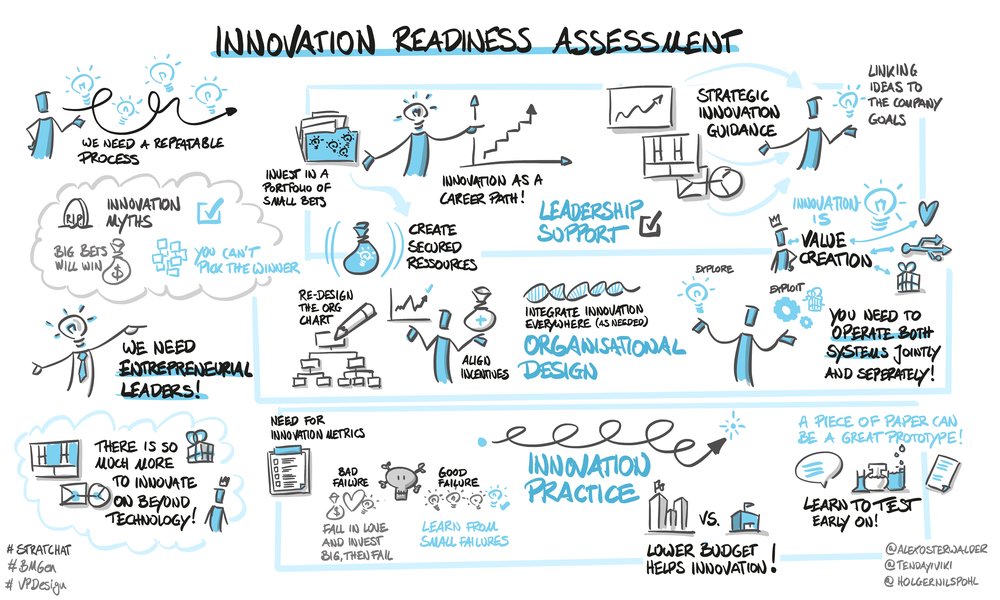
Visual live-drawn by Holger Nils Pohl
As the pace of change in our world has increased, competitive advantages have become temporary. Companies now need to be able to support and nurture innovation – not as one-off projects, but as a repeatable process. Innovation proficiency is no longer optional.
The questions for leaders and intrapreneurs are:
-
How ready is your company to nurture and support innovation?
-
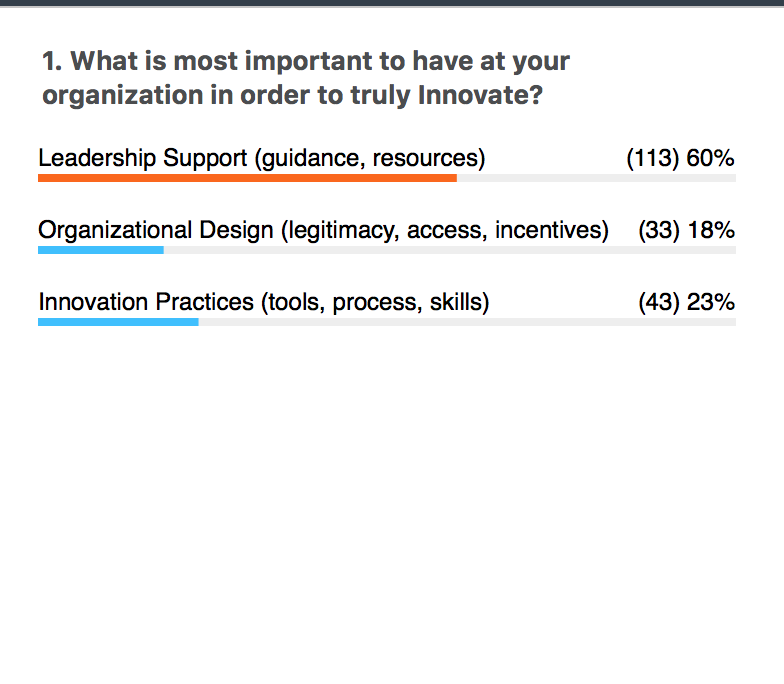
Do you have the right leadership support, organizational design and innovation practice?
In this session, Tendayi Viki, Associate Partner at Strategyzer, Thinkers50 2018 Radar Thinker and the author of The Corporate Startup, joins Alexander Osterwalder in an insightful discussion around how companies can assess their levels of innovation readiness using some of our latest insights from the field.
Enjoy the replay!
Webinar Survey Results:

Creating a video (or video series) to help market your product or service is a no-brainer. It’s an easy, shareable way to communicate your company’s core message. It can also lead to a strong ROI. In fact, product videos increase the chance of a purchase by 144%.
Like many companies, you might not have the in-house resources to create a clip or much time to waste on learning video editing software yourself.
If you don’t have a ton of experience in video production, it may seem like your only options are to pay a lot of money for someone else to do it, or hack together a bad video on your own.
Good news: there’s a third option. Even with limited resources, companies launch with great video campaigns all the time.
To help you build solid, but affordable, content, here are six tips to create a great video.
1. Craft a production plan.
When you enter video production, it’s good to plan as much as possible before you start rolling. This will make the production and editing process flow much more smoothly.
How to do it
Identify your goals and mission for making a video, and then make a plan that aligns with them. Create a script or a storyboard that explains what you will show in your video and what major points you’d like to get across to your audience.
Share this with team members involved in the video so every gets to give feedback and contribute. This will also help your team stay on the same page and track your progress if you’re on a deadline.
2. Showcase your personality.
Whatever it is you’re producing, you’re likely not the first one to do so. The number one marketing challenge you’ll face during launch is standing out from competitors in your field.
What sets your productivity app or hilarious slogan t-shirt or handcrafted eco-friendly wooden rocking horse apart from the pack?
Customers may not want to read your long written explanation about why your wooden rocking horse is more eco-friendly than the others. Visual content is much more digestible, accessible, and shareable to the average person.
Infinite bonus points if you can figure out a way to showcase the personality of your product (or your company, or just yourself) in a way that’s relatable and memorable.
Have you ever made a purchase just because you loved the personality of the brand? Chances are, it was a piece of visual content—perhaps a video—that you instantly connected with because it was just so likable.
Aim to create that kind of video content. If people decide they like you, they’ll show you by becoming customers.
How to do it
Be honest with yourself about your on-camera skills. Is your business partner more charismatic? Put him or her in front of the camera, instead.
Talking into a mic and speaking to an unseen audience may seem easy, but it often isn’t.
Do several takes, upload them all, and edit out awkward pauses. Practice trimming and splitting clips until your transitions look natural.
People love to learn about the personality of a brand by getting a glimpse behind the curtain.
If you’re making a physical product, some footage of the manufacturing process is an excellent way to make your product relatable.
Don’t be afraid to whip out your cell phone if you’re missing a moment, be it putting the final touches on a great-looking product or your lead developer falling asleep at his desk.
Example: Dollar Shave Club
[youtube https://www.youtube.com/watch?v=ZUG9qYTJMsI]
3. Clearly explain your product or service.
Have you ever joked about being married to your work? Like a regular marriage, you’re incredibly familiar with your “spouse.� You know things about each other that no one else knows.
You know your product better than anyone else. That’s great, but you may make the mistake of assuming everyone else knows the ins and outs of your product, too.
Don’t jump right to marketing “Awesome Thing About My Product Number Five,” just because you assume Things one through four are obvious.
Look at your product as if you know nothing about what it is, what it does, or what kinds of problems it can solve. Tell yourself the story of your product as if you know nothing. Then, take that story and tell it to everyone else.
How to do it
If you’re marketing a digital product, it’s time to learn how to create a quality screen capture video. Demonstrate the typical use of your product, but don’t jump right into it—use screen capture to demonstrate a problem or pain point that your product solves.
If the viewer can identify with the problem you’re showing them on-screen, they’ll be much more engaged when you introduce your product. Use repetition, and don’t go too fast.
This is the first time they’re seeing your product in action, and you want to give the viewer the chance to experience the full effect of its genius.
If your product is physical, focus on showing them what your product does and how it can help. Think about demo videos or commercials you’ve seen for popular pieces of technology.
They don’t spend two or three minutes talking about battery life and storage capacity. They use that valuable video real estate to show the product in action, being used as the average consumer wants to use it.
Be helpful in your video, and err on the side of over-explaining. Use captions or video annotations (think Pop-Up Video) to explain anything that isn’t obvious, or use them to supplement your voice over narration.
Example: PadMapper
[youtube https://www.youtube.com/watch?v=eN8nDVGfdZM]
4. Add both entertaining and informational value.
Believe it or not, not everyone will want to sit through your video, even if it is short. Why should they? There are millions of other videos on the Internet, and some of them even have cats in them.
Figure out what value your video is going to offer to your audience. Does it tell a great story? Does it explain how to solve a problem?
Does it give them an insider reward, like a discount code or a clickable link to a free trial? Or is it just three minutes of you ranting into the camera about why non-eco-friendly wooden rocking horses are the worst thing ever invented?
Add some value to your video, and watch it get shared beyond just your inner circle of friends and fellow rocking horse enthusiasts. Believe it or not, most people are altruistic—if they see a clear benefit to be gained from watching your video, they’ll want to share that benefit with their friends and connections.
How to do it
Think back to the last video you shared. Why did you share it? Chances are, if you’re like most people, you wanted to establish your authority on the topic. You wanted to be the first to present that piece of information to the people in your circle. It’s why most content is shared—for the social credibility.
You can give people the social credibility they want by creating smart, informative videos for them to share. If your product solves a problem, present the solution in a way that sounds revolutionary.
For example, if your product speeds up a task that your target customer must perform often, use picture-in-picture editing features to demonstrate how much quicker they can accomplish the task using your product.
It’s great to tell someone that they can save 30 seconds searching for the best rate on their next flight, but if you can show the typical process side-by-side with your innovation, you can actually make them sit through those 30 seconds. It will be excruciating. They will buy your app.
If you decide to go with a more tangible benefit such as a discount code or a free trial, make it easy for the viewer to get. Put a clickable link right in your video.
Don’t tell them to go to another website (or do anything else at all). They won’t do it, and you’ll lose that opportunity. Keep it simple if you want your videos to convert leads.
Example: Moov
[youtube https://www.youtube.com/watch?v=3Ef95nAHFAs]
5. Tell a story that engages the customer.
Think back to high school English class, when you learned about the components of a story—there’s an introduction, conflict, climax, and resolution. If you leave out any of these crucial parts, you’re left with a collection of sentences that have been smashed together for no apparent reason.
Not only should you tell a coherent story (and this will require some pre-planning, writing, and editing), but you should make sure it goes somewhere. A nice, tidy ending is great, but building suspense is better. Are you going to produce another video to continue the story? If so, why should your viewers be excited to watch it?
How to do it
You thought this would be all visuals? You’re going to have to write. If you don’t plan your story, it won’t materialize out of the ether. Make a plan for your video content, and look beyond video number one.
Rather than one explainer video, is your product suited to a series of instructional videos? Can you help people create something with your product? Break that “something� into pieces, and create a series of short videos.
You can even record the entire series in one go, and use an easy editing tool to break the footage out into logical sections. Keeping your audience waiting for more (as long as it’s great content) is an excellent way to stay top-of-mind.
If you’re more of a storyteller, you can keep a video series looking cohesive (and cut down on your workload) by reusing clips.
Remind your viewers of the product benefits you explored last time, and build on the story you’ve already told. Just be sure to store your edited video somewhere safe—the cloud is your best bet—so you don’t have to repeat all your hard work each time you make a new video.
Even if your story doesn’t end at the end of the video, that chapter does. Make sure you leave your viewer with something concrete to do.
There should be a call-to-action at the end of every video, even if you set an expectation that another video will follow. You never know when a viewer will disengage from your content, so give them opportunities to become a customer or subscriber while you have their attention.
Example: WatchSuperFoods
[youtube https://www.youtube.com/watch?v=GFY3d6Fzstc?list=PL2D79C50253A53EE5]
6. Title and promote the video.
You’ve created a great piece of video content that showcases your personality, explains what you’re doing, has a clear benefit, and tells a great story. What do you do next?
It’s time to promote the heck out of it. We don’t have to tell you why you want to do this step. We do, however, want to help you do it well.
How to do it
The best way to ensure people watch your video is to give it a great title.
After Google, YouTube is the second-largest search engine in the world. You put a ton of research and consideration into your landing page titles—do the same for your video, or your clickthroughs will be dismal.
The same goes for your description and tags. Try using hashtags in your title to ensure you’re getting found with the right keywords. You’re also going to want to put some time into selecting the right thumbnail for your video.
This is all the potential viewer will see before they decide whether or not to hit the “play� button, so make that one image extra-compelling.
Export your video to more than one platform. Some people watch on YouTube, some might prefer to watch Facebook. Don’t limit yourself to one platform, or you’ll miss out on a huge number of potential viewers.
If you’re interested in filming videos for platforms like Instagram, check out these great examples for inspiration.
Making Marketing Videos
Regardless of the topic of your video or your amount of resources, be sure to follow these simple, but vital best practices when making a marketing video:
- Clearly explain your service or product, as well as why it might be valuable to the customer. For example, if you sell a technology, you should use this video to explain what this technology does and why it might save a customer time and money. You could also use this video to show a demo of the product.
- Be sure your video looks professional. Film in a properly lit environment with low background noise, if any. If you work in an open office, move your production into a quiet conference room or hallway. If the lighting is poor and it effects how the film subjects are seen on screen, try moving around lamps, or consider purchasing an affordable light at a home-goods or hardware store.
- You don’t need to buy an expensive video camera, but try to use a lower-priced video camera, a digital camera that takes video, or a newer smartphone for a crisp image.
- Hold your film device on a tripod or another surface to limit shakiness. Nothing ruins a great video like an unprofessional, unsteady image. Too much movement can also cause blurry visuals as a camera tries to auto-focus.
- Use a video editing tool to put the video together so it looks clean and professional. When it comes to finding software, there are plenty of affordable options. Some computers, like Macs, already come with an easy-to-use program called IMovie. Once you settle on the technology you’ll use, check out this guide to editing Youtube videos.
- Export your finished product in high-definition. Exporting to HD allows your viewers to see a crisp clean image, rather than a blurry one, on most devices. Here’s a quick guide to editing Youtube videos.
That’s it! With these tips in mind, you can market your business like a seasoned video producer. Go forth and convert!
Want to learn more about video marketing? Download WeVideo’s guide on Tips For Creating The 6 Most Common Business Videos.

There are three major competing Quantum computer technologies for qubits. They are nitrogen-vacancy (NV) centers in diamond lattices, trapped ions, and superconducting qubits. The benefit of…
[[ This is a content summary only. Visit my website for full links, other content, and more! ]]


Sign In with Apple is yet another manifestation of Apple’s commitment to consumer privacy as a brand.
Positive psychology researcher Michelle Gielan has studied optimism and success for more than a decade, and she has found that those with an optimistic outlook are better equipped to deal with stress.
There are nights I’m sure I’m asleep before my head hits the pillow. As a working mother, I remember writing my book with my first baby crawling around the floor of our home office. These days, I comanage both our business and home with my husband, while continually striving to be present with our young son and daughter each day. I’m sure many of you relate all too well to the feeling of never having enough time.
In a competitive work environment, it’s up to you to move your career forward. You have to be proactive and continually refine your skill sets to advance and thrive. The corporate climb is always evolving, and staying on top of the latest trends in the business world is key to ensuring that you enjoy many years of success and growth.
The post Innovate for Expertise: 5 Ways To Expand Your Skill Set & Job Potential appeared first on Innovation Management.
You’ve just spent thousands of dollars, countless hours, and have had more organizational nightmares than you’d care to admit, but you’re done.
The brand new site design you’ve been working on is finally finished — and it looks great.
However, after a few weeks, you notice something’s missing. Maybe it’s a simple design error, or perhaps, a feature doesn’t work or was overlooked.
Whatever it is, it’s missing and you’re not sure how to fix it.
Hiring an agency or directing your developer’s time to fix it are investment-heavy solutions that’ll eat up more of your budget and time.
Fortunately, there are tons of awesome website plugins that can quickly and easily improve the functionality of any site. Here, we’re going to explore 14 of them.
But first — what is a website plugin?
What Are Website Plugins and Why Are They Important?
Website plugins are individual services that improve a specific functionality of your site.
You might use a website plugin to quickly change visual elements, add extra information or content, offer smoother integration between your site and a favored tool, or even add a completely new feature and function to your web property.
The beauty of website plugins is in their simplicity. The name’s pretty apt, since all you do is download and install, or “plugin.” Simply set one up, and your site can run smoother and offer features your users want.
How to Assess if a Plugin is the Right Solution for You
I’m going to run through a couple of fantastic plugins for different goals below, but first, let’s dive into some general rules on how to find the best plugin for your site.
1. Understand your website platform.
If you’re running your website on Shopify, then a WordPress plugin isn’t going to be of much use.
This typically won’t be a huge issue for you, since a lot of the almost-done-for-you platforms (like WordPress and Shopify) come with simple built-in plugin libraries.
However, whatever your situation, it’s critical you ensure you know what your site’s running on to save you time looking into a solution that’s incompatible.
2. Know your goal.
What are you trying to achieve?
You need to know this upfront so you can look for the plugin with the right functionality.
When you’re figuring this out, go deeper than goals like “more money”. Instead, get specific and outline the issue people are facing on your site, and the action you can take to fix the problem.
For example, “The messaging on the site is too general. If we personalize the messaging we should see conversions increase by X% within [timeframe]”.
3. Conduct research.
Once you’ve narrowed down on your goal, you want to conduct research to find a solution best-fit for your specific problem.
Ideally, you’ll want a plugin that has good reviews, is compatible with your site’s platform, and offers the actual features that can help you achieve your goal.
Once you’ve found a good option, it’s time to get it onto your site for your first test.
Having trouble finding an option? Fortunately, we’ve conducted some of the research for you. Keep reading to learn about our 14 favorite website plugins for 2019.
1. Proof
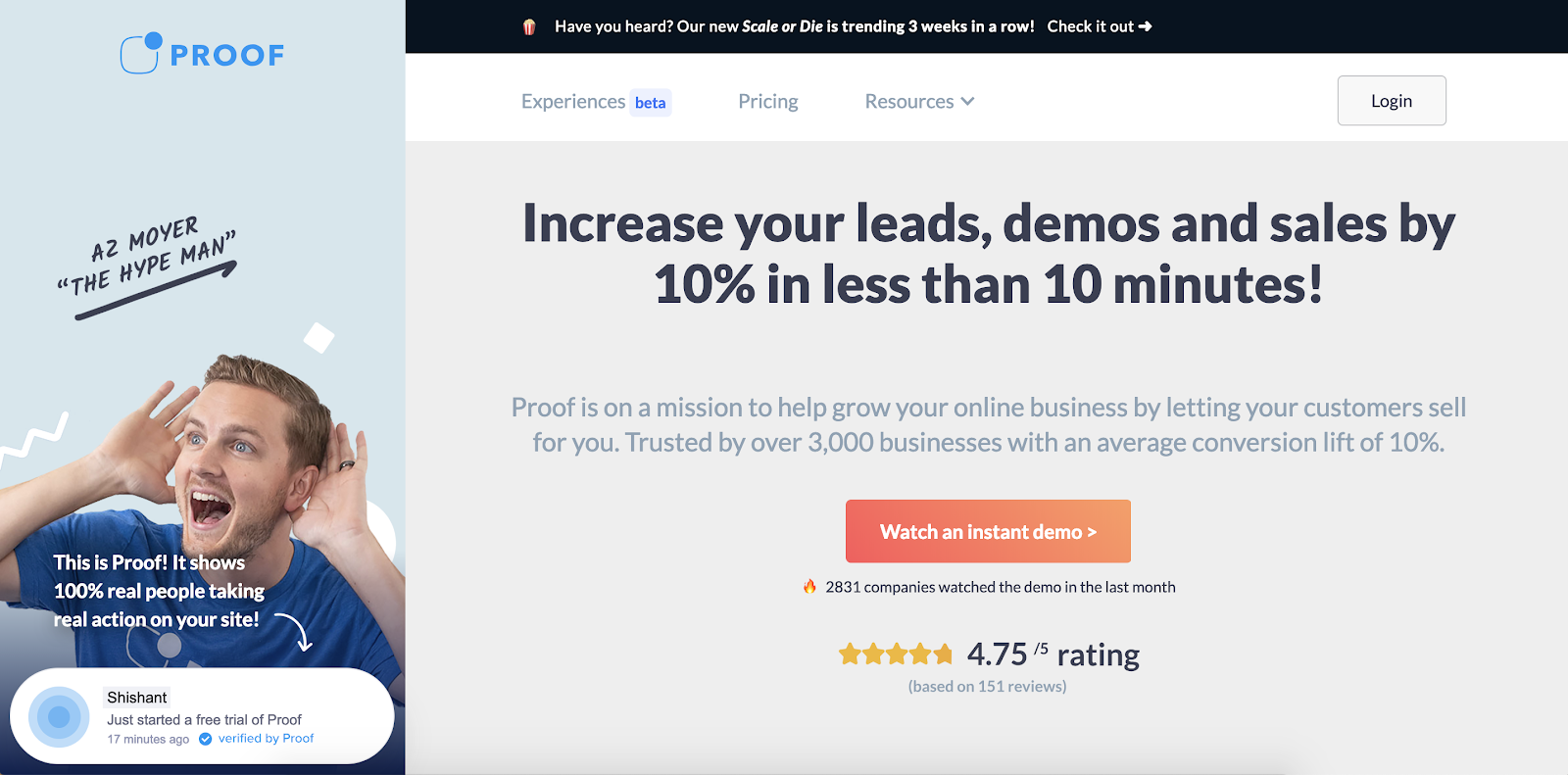
Good social proof elements can be the difference between a user committing to buy, or exiting your site.
Proof allows you to add social proof in different forms across your site, including current live visitor numbers, notifications of current purchases, and reports of how many people have recently signed up. Ultimately, this is a good tool for you if you feel your site’s viewers could benefit from visualizing how popular your products or services are.
2. HubSpot WordPress Plugin
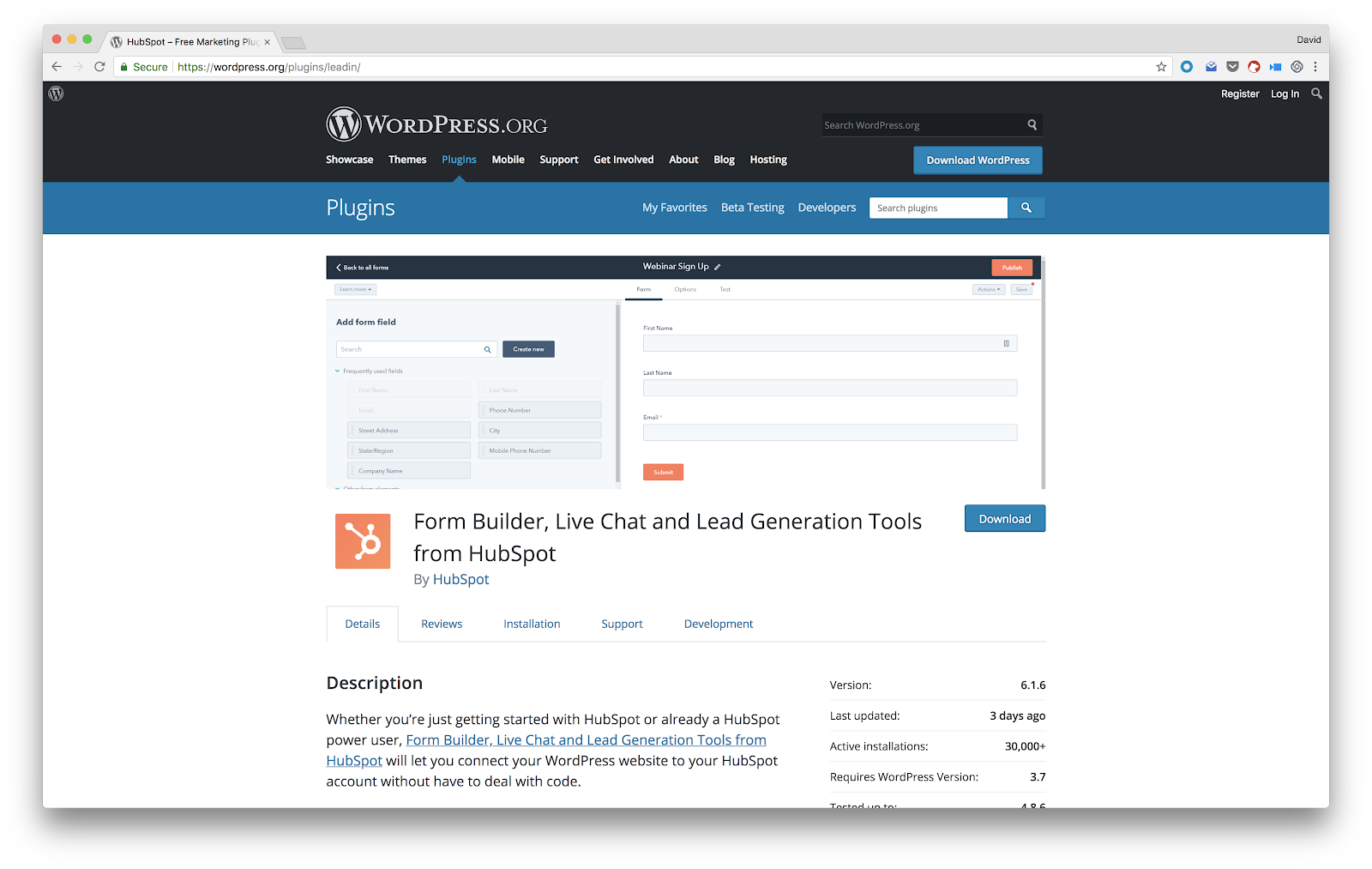
HubSpot’s WordPress plugin gives you an all-in-one marketing and lead generation tool to help you collect leads, create popup forms, live chat with visitors, and send all that data back to a free CRM to use for campaigns.
Of course, the HubSpot platform offers many other growth tools, some of which start free and many others that can help you accelerate your marketing, sales, and service operations.
With the WordPress plugin, you can install it quickly, get started easily, and it’s all free to get going.
2. RightMessage
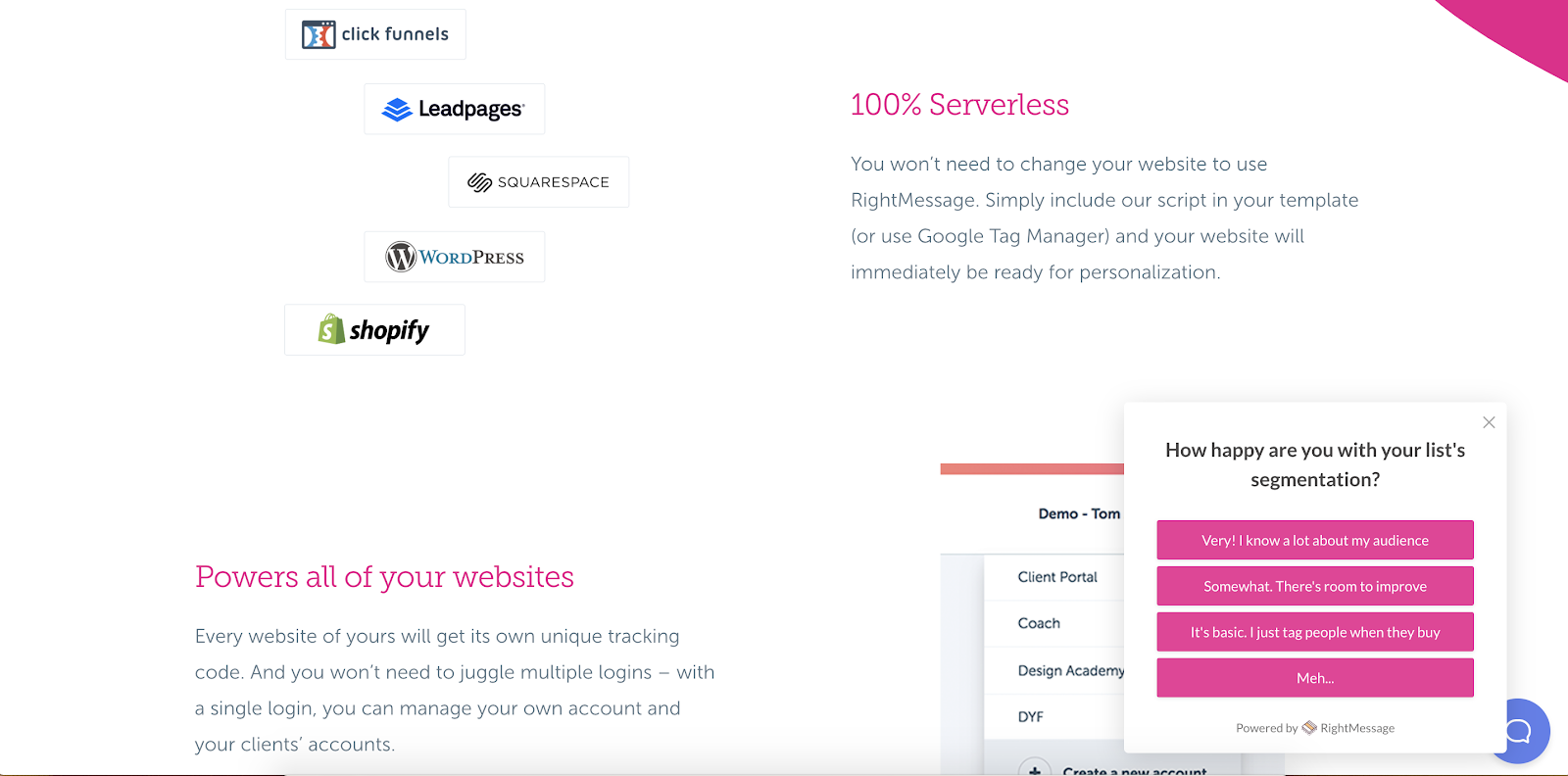
RightMessage is a tool focused primarily on better serving your customers through personalized content.
It has a few key features that make it a fantastic solution. First, you’re able to segment users based on slide-in questionnaires, acquisition source, or tags from your email service provider or CRM. Then, based on those segments you can dynamically change messaging and CTAs to better appeal to that segment and increase conversion rates.
Additionally, the plugin integrates with a ton of site platforms including HubSpot, WordPress, and Squarespace.
3. LimeSpot Personalizer
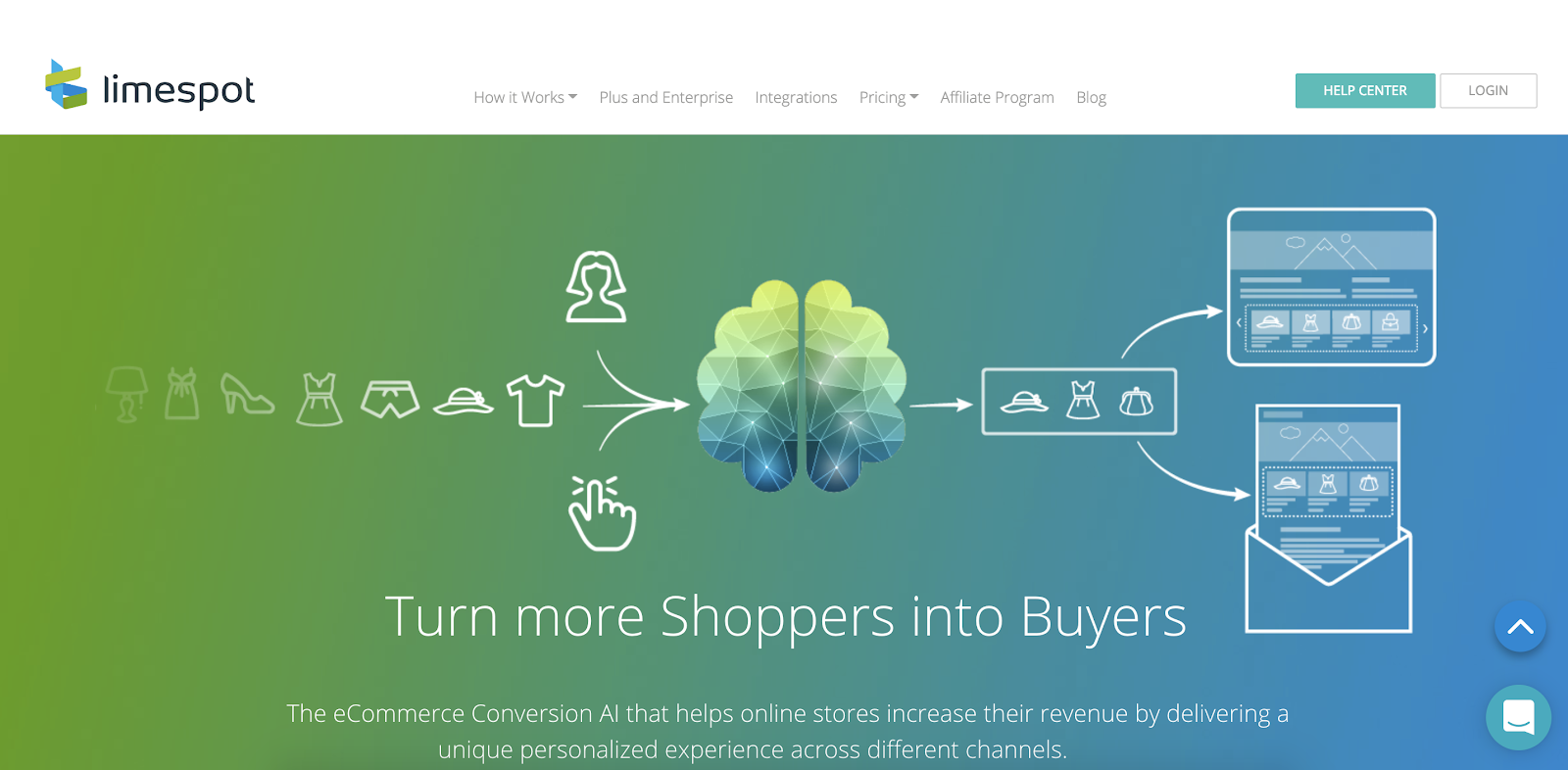
LimeSpot is an ecommerce-specific plugin that’s available through the Shopify app directory.
It runs on powerful AI that analyzes user behavior as both an individual, and as part of a cohort to build out their user profile.
Once the AI’s analysis is complete, it makes dynamic product recommendations that are specific to each user — massively increasing relevancy and conversions.
4. HotJar
Knowing how your users are interacting with your site is key to understanding where there are UX issues and design problems.
HotJar’s heat maps provide you with an overview of user engagement on the whole. It can help highlight which CTAs and links are too vague, where you’re losing people in long-form content, and even allows session recordings for real-time analysis.
As an extra bonus, HotJar offers feedback polls for more explicit data collection.
5. Qualaroo
Simply put, Qualaroo takes the feedback element of HotJar to the next level.
With Qualaroo you’re given a suite of features that automatically collect user data through more advanced targeting. You also have the option of including elements like decision trees to dig deeper with your questions.
6. Jumper.ai
Jumper.ai is technically a social commerce tool that allows brands to sell directly through their social media channels without the need for a store.
However, Jumper.ai also offers a plugin that takes their checkout bot and allows you to run it directly on your site. With Jumper, you can add a conversational checkout bot directly on your product or service landing pages.
For instance, here’s how it would look on a blog post:
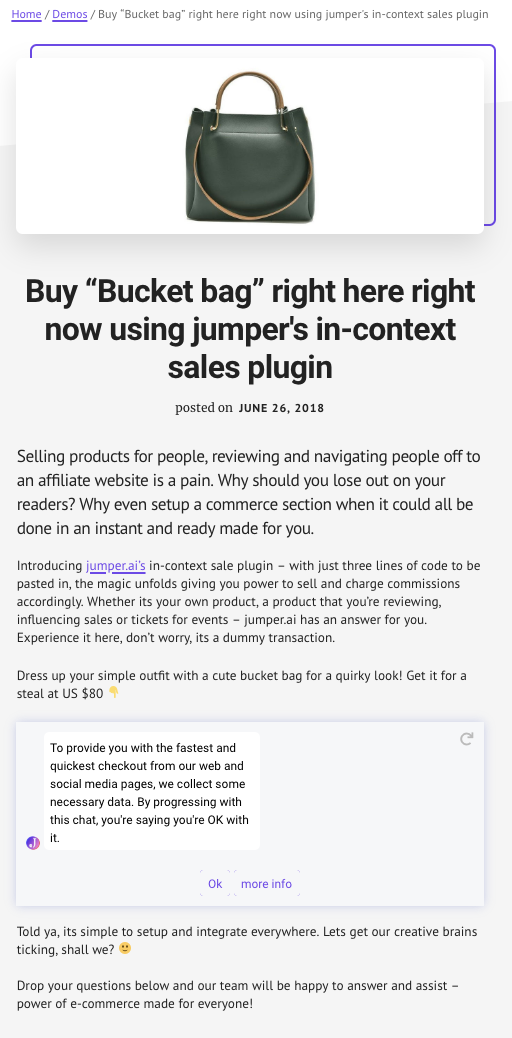
Ideally, a checkout chatbot can help you increase conversions and improve your site’s user experience.
8. Intercom
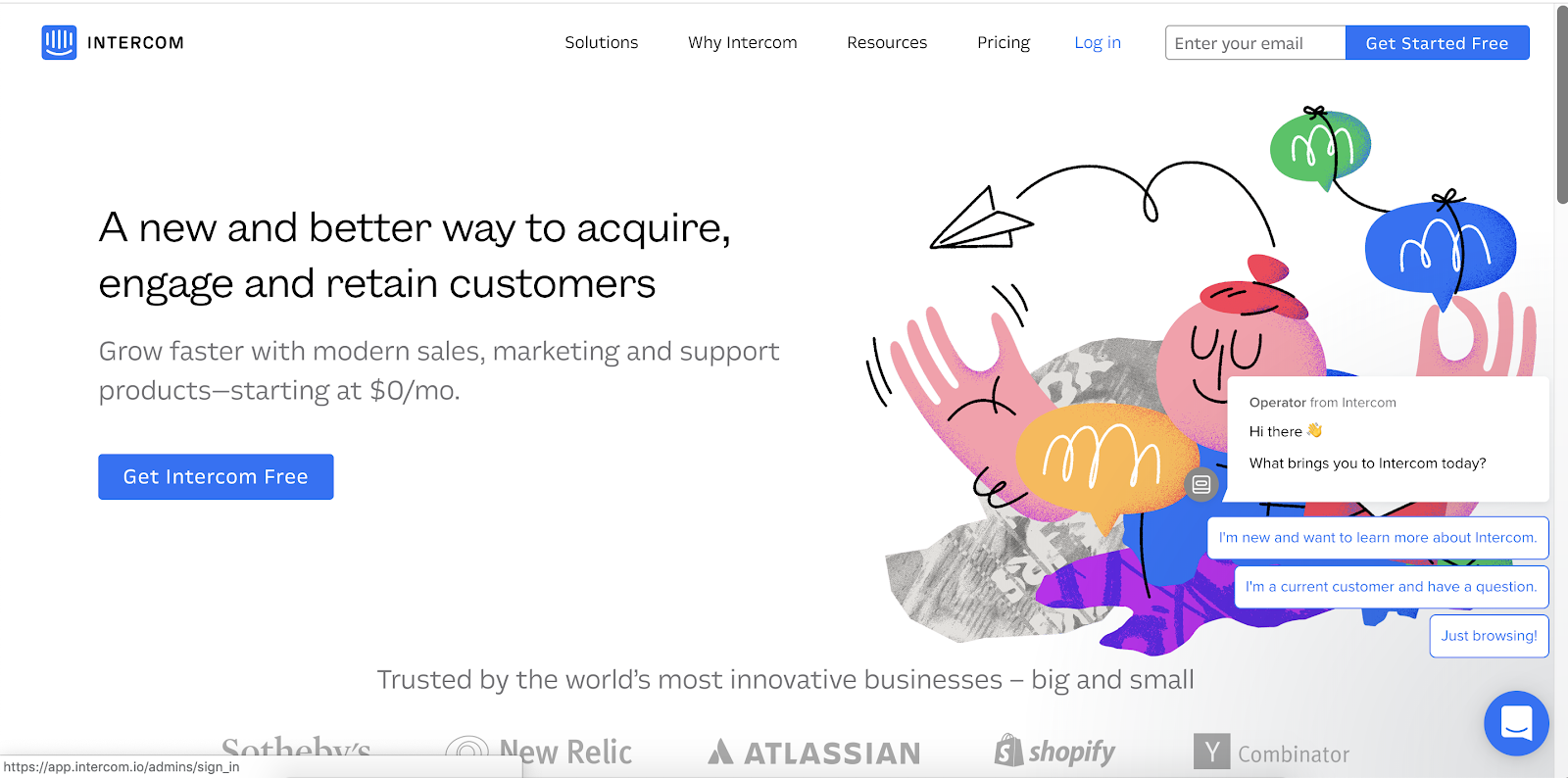
Intercom allows you to install a small widget in the bottom right corner of your site to engage users with live chat solutions.
You’re able to have operators jump in to help users with live chat, or set up automated chatbots. Additionally, you can use the tool to offer in-app support if you’re running a SaaS solution.
Best of all, Intercom also comes with an email marketing solution to further meet your business needs.
9. OptinMonster
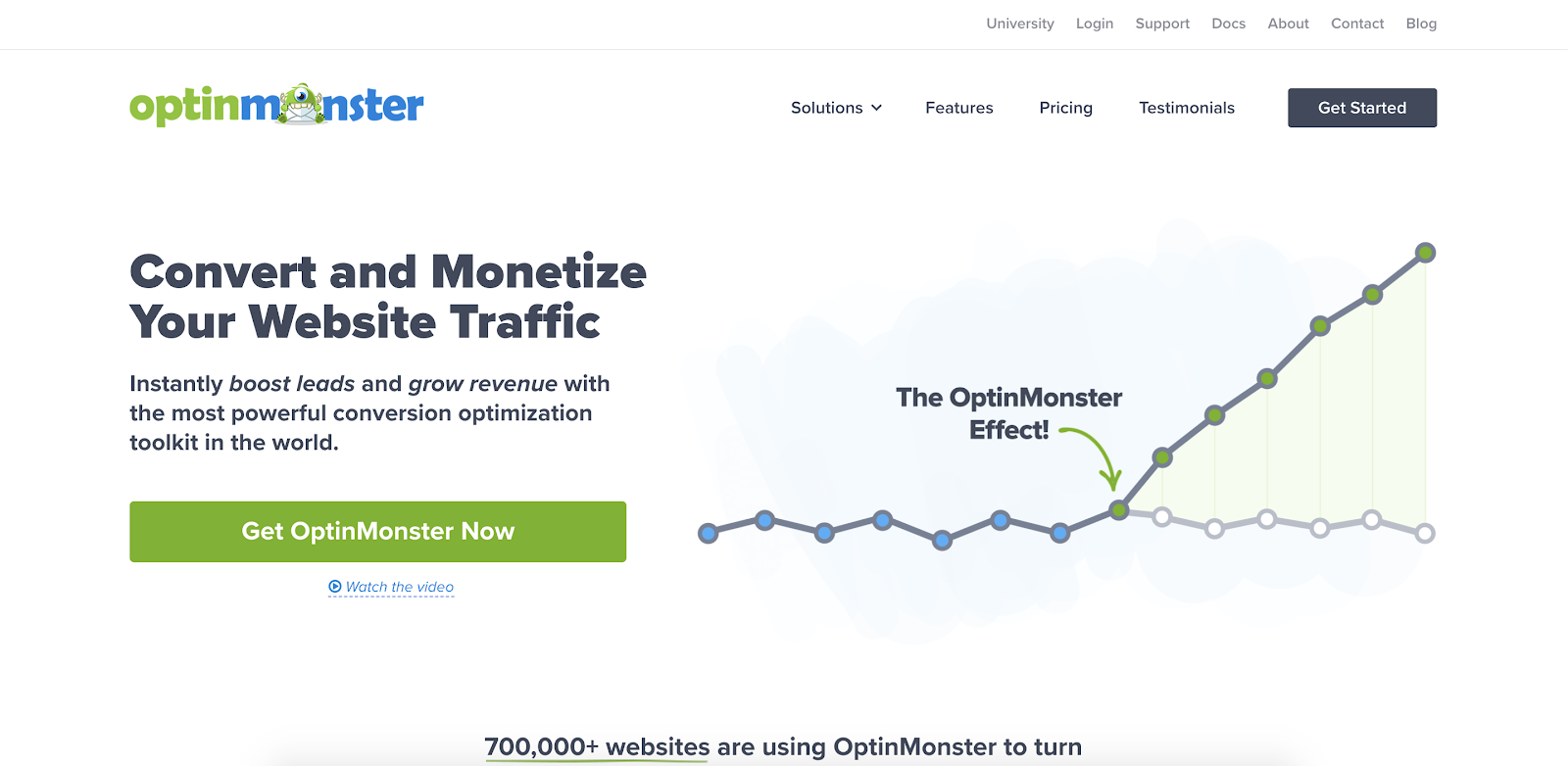
OptinMonster is a lead generation service that gives you the ability to target your offers to specific user segments.
You can ensure that your OptinMonster offers and forms only show up when someone has been on your site for a set period of time, displays exit intent, or have visited certain pages. Ideally, this will help you guarantee your offers are reaching people once they’re eager to learn more.
10. Yoast SEO Plugin
SEO is a complex discipline to master, so every bit of help you can get will save time for you and your business.
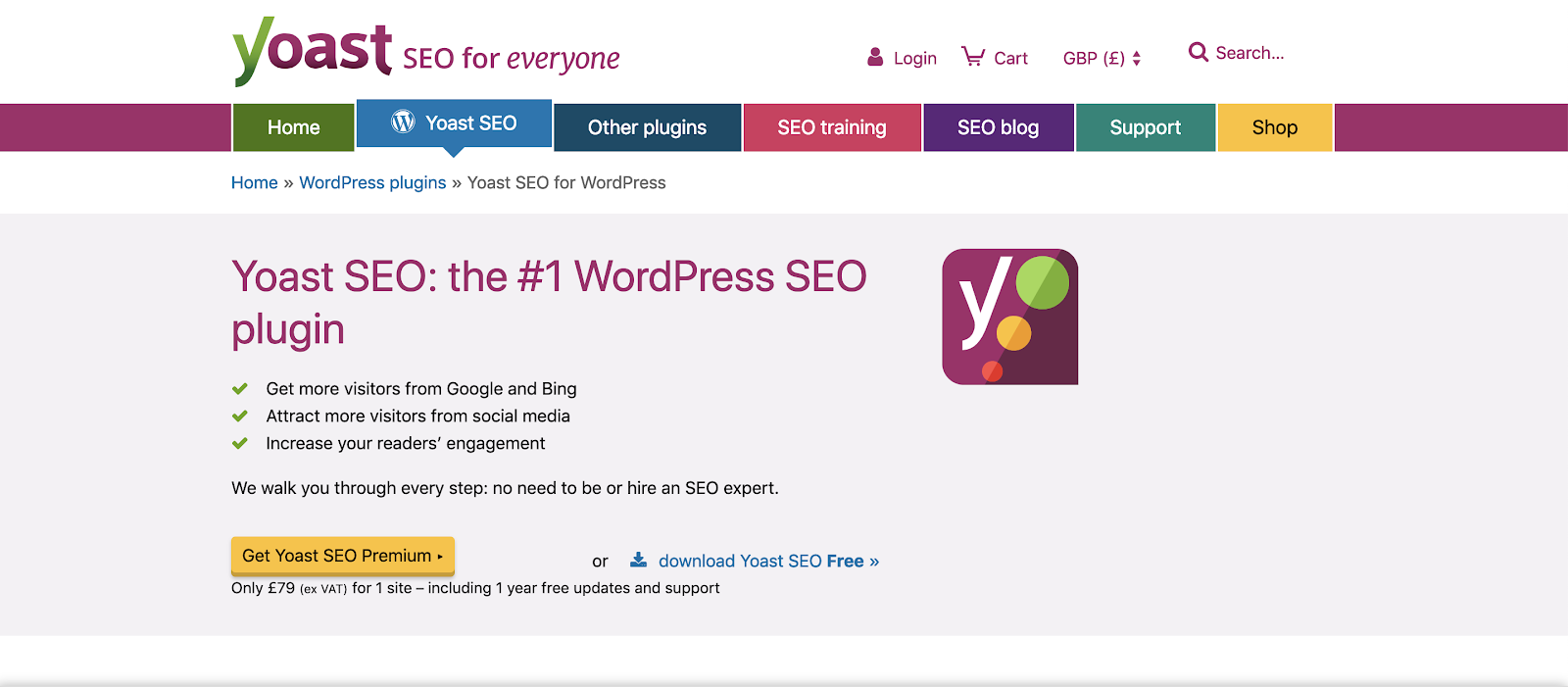
Yoast’s SEO plugin isn’t a perfect solution, but if you’re not a professional SEO expert and just need a good overview of your actions, Yoast’s plugin can help you keep things on track and ensure you’re truly optimizing your site for search.
For instance, the tool can amend meta descriptions for you, so you know you’re only showing key information in search results and social shares. When you’re busy or don’t have the resources to dedicate to SEO, Yoast can help you level-up.
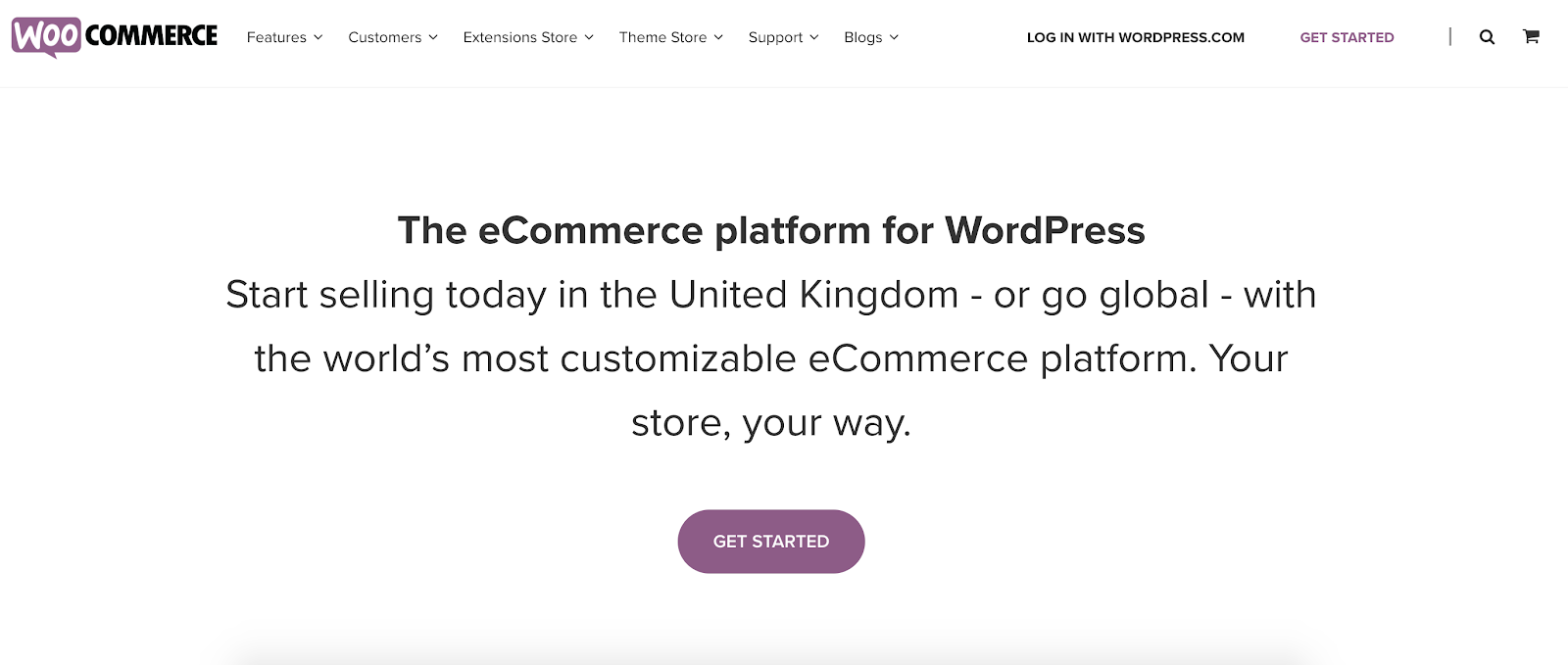
11. WooCommerce
WooCommerce is one of the bigger ecommerce solutions out there. If you have a WordPress website and want to add ecommerce elements, WooCommerce is an incredibly useful solution.
WooCommerce is a pretty large service with a big user base. It’s a perfect addition for WordPress users who want to start selling their own products.
12. Drift Conversational Marketing Platform
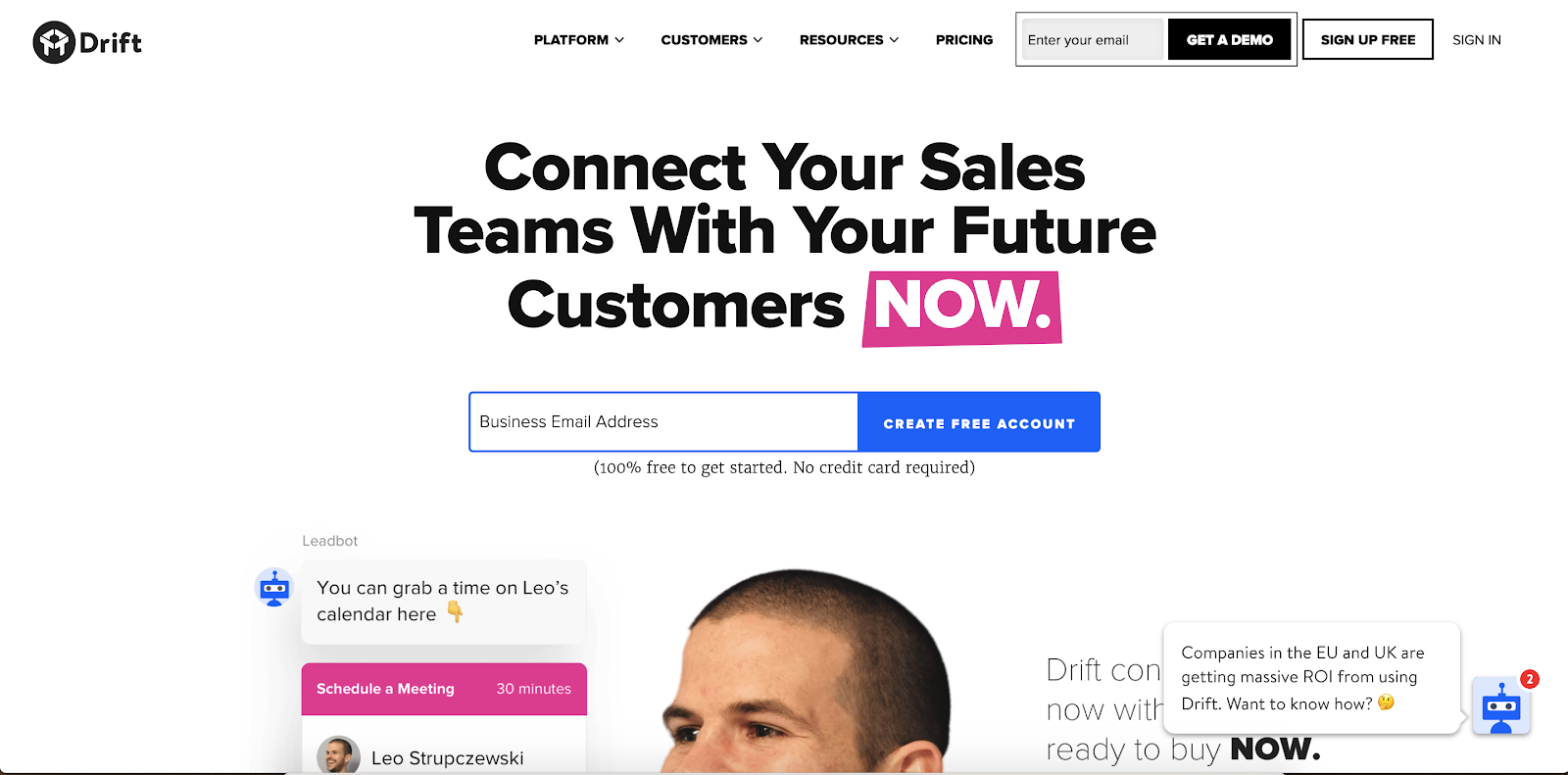
Drift has taken the concept of conversational marketing to the next level, and is a great addition to other marketing tools in your arsenal.
With its ability to target based on account, the messages you can send with Drift will be far more personalized and detailed than they would otherwise.
13. VWO A/B testing
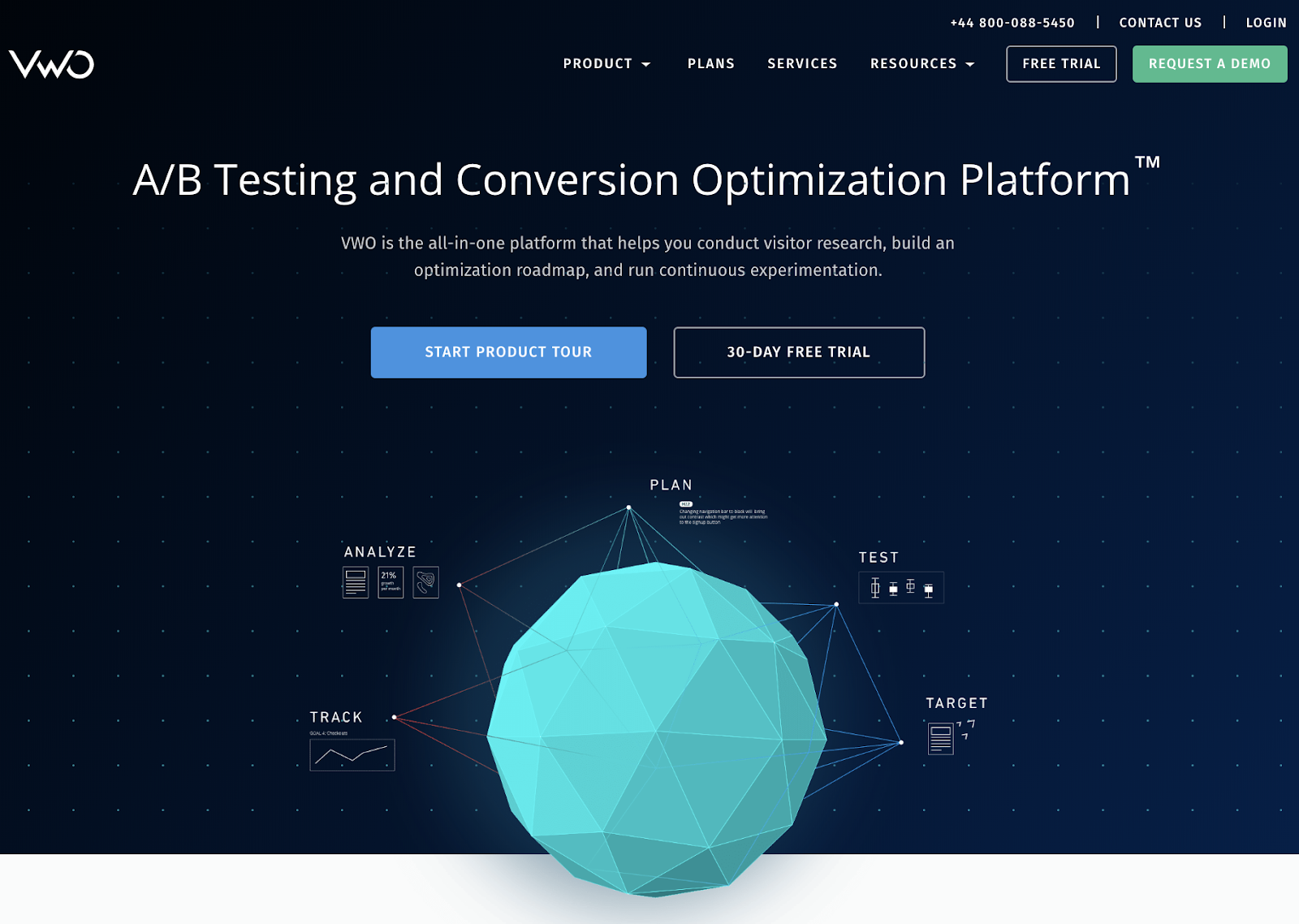
Testing different elements of your site, from headlines and images to CTAs and messaging, is key to improving your marketing strategy over time.
However, running individual A/B tests can be time-consuming and difficult. Fortunately, the VWO A/B testing tool is an all-in-one solution that automatically runs A/B tests on your pages, and improves the overall optimization of your website.
14. Prooffactor
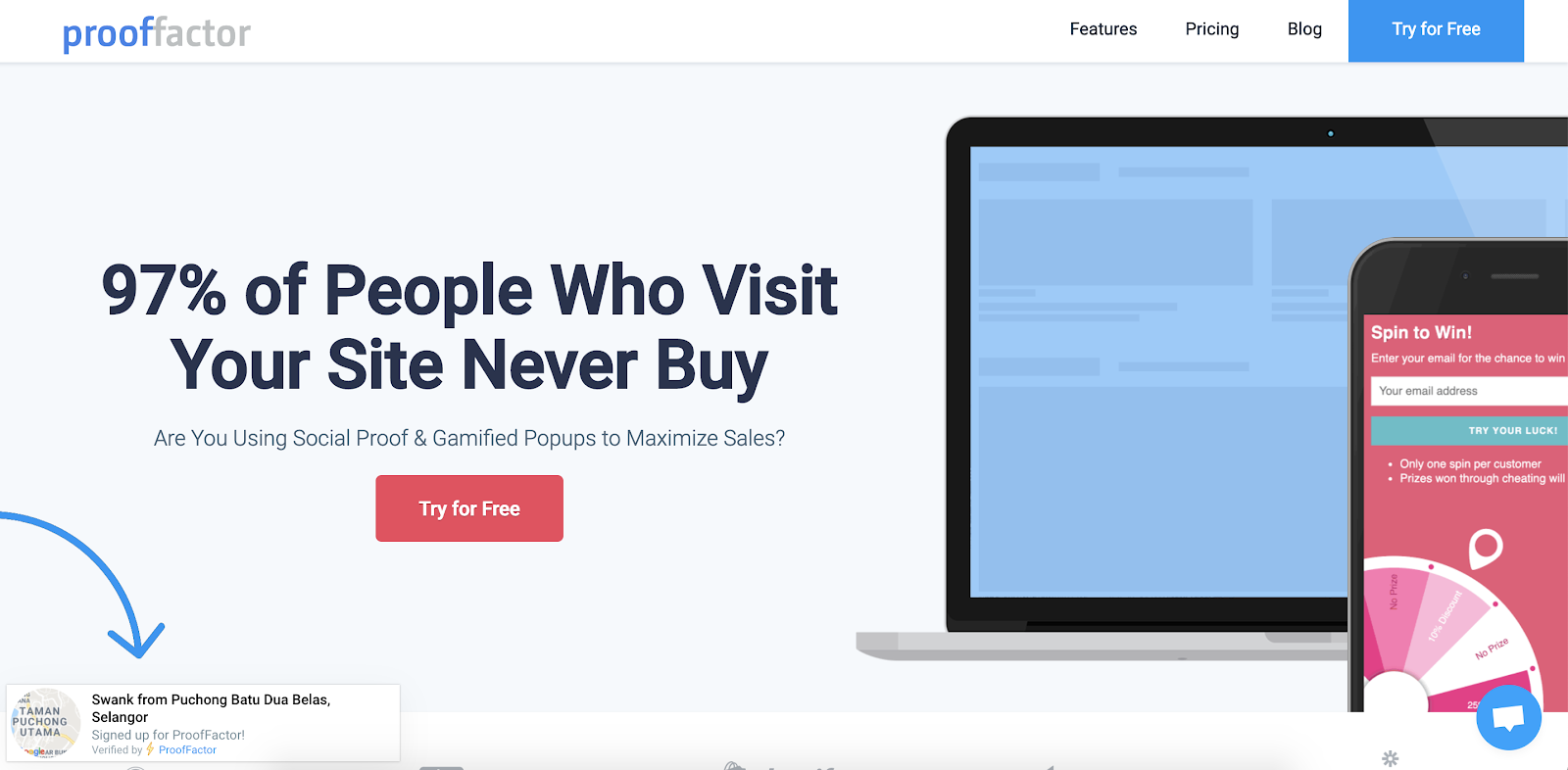
Prooffactor adds social proof elements, including who recently bought a product and live visitor counts, to your site to ensure new visitors can quickly visualize the popularity of your products or services.
Best of all, Prooffactor also offers gamified pop-ups to add another lead generation element to your site and further engage new prospects.
What Website Plugin Will Work for You?
There are countless website plugins out there, and each one aims to solve a unique website problem.
Generally speaking, your goal with your website should be making your purchase or sign-up journey as frictionless as possible for your users — ideally, a plugin can help create a simpler process for your site visitors.
If you’re looking for a free website plugin that’ll help you generate more qualified leads, check out HubSpot’s free solution here.

In a competitive work environment, it’s up to you to move your career forward. You have to be proactive and continually refine your skill sets to advance and thrive. The corporate climb is always evolving, and staying on top of the latest trends in the business world is key to ensuring that you enjoy many years of success and growth.
The post Innovate for Expertise: 5 Ways To Expand Your Skill Set & Job Potential appeared first on Innovation Management.


